In a previous post I show you how to use the Mesh Section Sketch tool, in Fusion 360, to convert a STL into a solid body. This post will use the same tool to remove excess faces from a model by cleaning up the sketch it was created from. Often imported sketches or sketches which were created using excessive spline points will cause these excess faces. The process can be used as shown, starting with a sketch, or it can be used on a surface extrusion created from an existing model. In the short video you will see how simply and effective this method is.
Friday, April 28, 2023
Saturday, January 21, 2023
Using the Mesk Section Sketch Tool in Autodesk Fusion 360
Many times you will be given a STL file and need to convert it to a prismatic body. If you have a Fusion 360 Personal license you find this is a particularly hard job since you do not have this option in the Convert Mesh tool. Even when you have this option, you often find the process does not give good results. In this video I walk you through the process of using the Mesh Section Sketch Tool, located in the Mesh environment, to make this process a bit easier.
This process will work with STL files of contain basic prismatic shapes such as lines, arcs, circles, splines, etc. It is not intended to be used on "free form" STL files.
Wednesday, January 11, 2023
Comparison of the Flange and Bend Commands in Fusion 360
The two main commands for bending sheet metal in Fusion 360 are the
Flange command and the Bend command. Each has its uses but for
precision bending of sheet metal the Flange tool makes the task a lot
simpler. It will use the sheet metal rules, of the assigned material,
and automatically calculate the bend allowances to create accurate
dimensional bends. The Bend command can also make bends but you are
required to calculate the bend allowances manually. In the video I
reference a bend allowance calculator called Bendworks. This tool is no
longer supported and updated but still functions of this tedious task. I
will post a link in the comments. In this video I compare the use of these two commands.
If you have a choice, select the Flange command and finish your dimensional sheet metal design quickly.
Monday, September 19, 2022
De-curving and Curving Solid Bodies in Fusion 360
From time to time you will have a solid body you either need to de-curve or curve to sit a surface of another component or body. The process outlined in this video can be used on any single curved body.
Thursday, August 25, 2022
Mirroring Components in a Fusion 360 Assembly - A Better Way
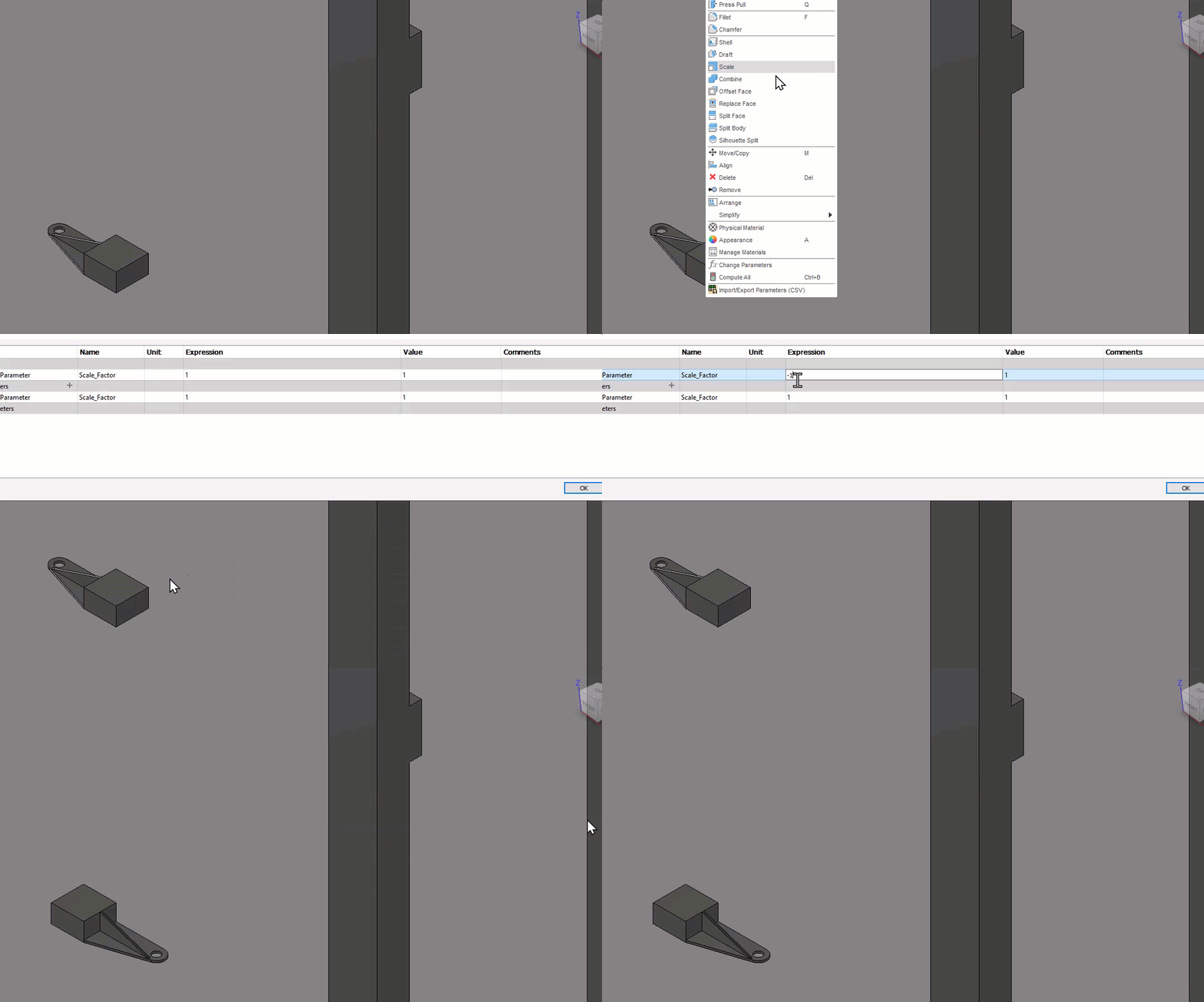
From time to time you will need to mirror a component in a Fusion 360 assembly but hate to get that component mirror designation in the Browser. You may also only need the mirror component so you have to hide the original. In this short video I show you an easy method of mirroring a component without these drawbacks.
I would like to thank Peter Doering, Autodesk Forum handle @TrippyLighting, for sharing this tip.
Friday, August 19, 2022
Creating Variable Sub-Assembly Motion in Multiple Assemblies
From time to time you will have a sub-assembly, that contains motion limits, in various top level assemblies. The issue you sometimes face is you cannot have different motion limits in two or more top level assemblies. If you change the motion limits in the original sub-assembly, all the top level assemblies will update the the same motion limits which is not what you want. In this short video I show how to place sub-assemblies, with motion limits, in as many top level assemblies as you want and still have different motion limits in each.
Friday, July 8, 2022
Modeling with Component Bodies in Fusion 360
From time to time you have complicated features or features that are not created automatically by Fusion 360 that you use frequently. These features can be created as "positive" component bodies, saved in the cloud, and used over and over in your designs. In this video I go over the process using two different saved component bodies.